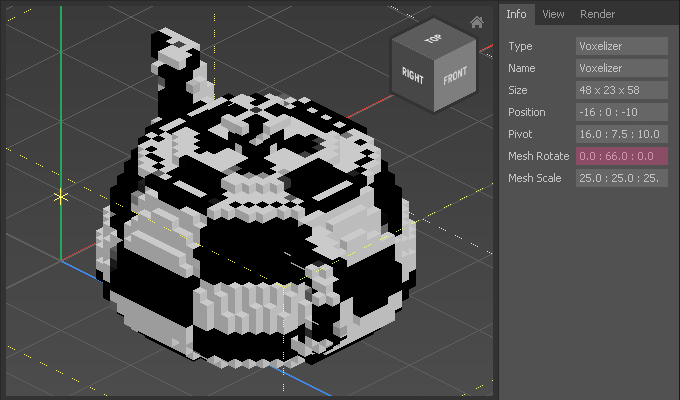
Appearance
Voxelize
Qubicle's built-in Voxelizer allows you to easily convert OBJ meshes into voxel objects.
How to Voxelize a Mesh
Qubicle can import textured OBJ meshes. The texture image must be correctly linked with an .mtl file for Qubicle to read it.
- Choose
Voxelize > Create Voxelizer - Choose
Voxelize > Load Mesh - Select an OBJ file
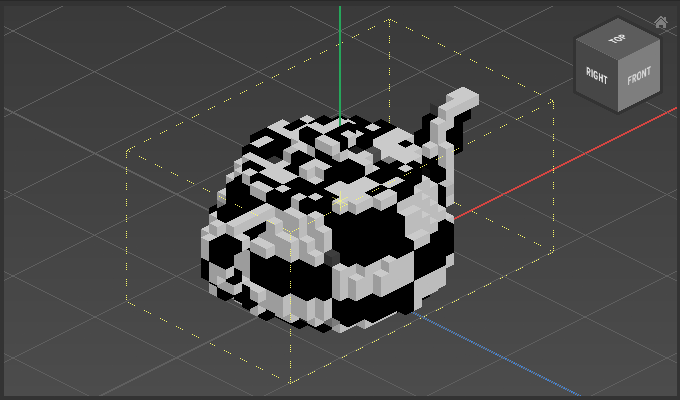
If the mesh is too large or small, Qubicle will automatically pre-scale it.
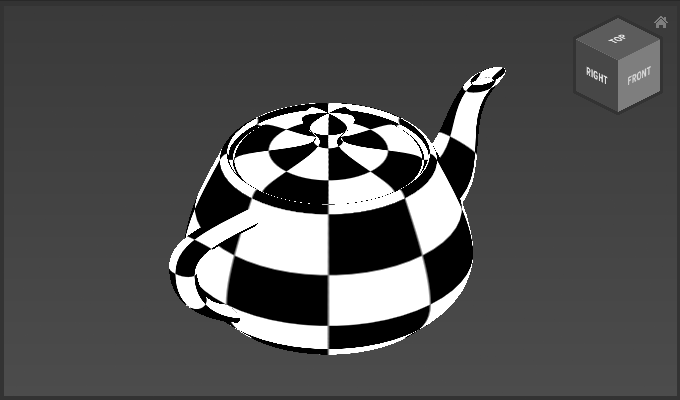
You can double click the object to view the original, unvoxelized mesh. Double-click again to return to the model view.
Note that the mesh is not stored in the QBCL file of your scene, instead only the voxelization result is stored as a simply Matrix.
How to Scale the Mesh
The mesh can be rescaled after it is loaded. The voxelization results are re-calculated every time you scale the mesh.
- Choose
Voxelize > Scale Mesh - Adjust options
- Click
Previewto update the voxelization result andOKto confirm
How to Rotate the Mesh
- Choose
Voxelize > Rotate Mesh - Adjust options
- Click
Previewto update the voxelization result andOKto confirm
How to Convert a Voxelizer to a Matrix
To edit the voxelized object, you will need to convert it into a matrix.
- Choose
Voxelize > Convert To Matrix
Example
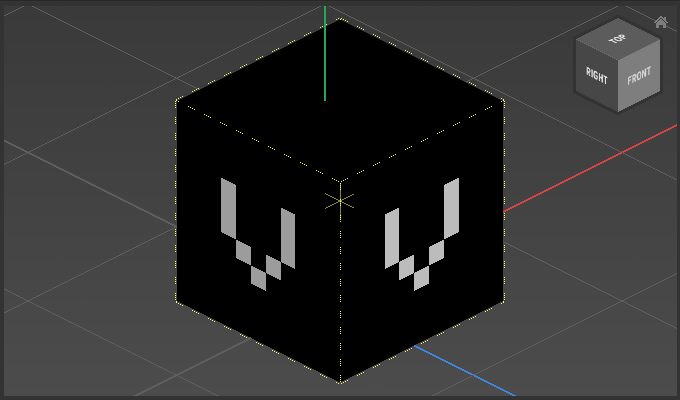
Step 1: Create Voxelizer with Voxelize > Create Voxelizer:
Step 2: Load Mesh with Voxelize > Load Mesh:
Dbl-Click to see the original mesh object:
Scale with Voxelize > Scale Mesh
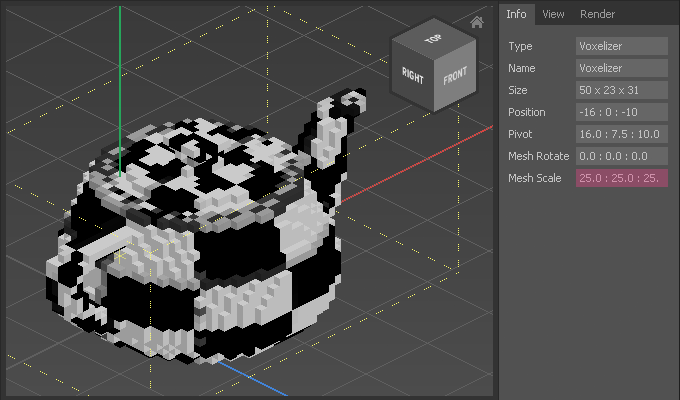
Rotate with Voxelize > Rotate Mesh