Appearance
Linear Projection
Use Linear Projection to project an image to the side of a Voxel matrix.
How to use Linear Projection
- Select a single Voxel Matrix
- Choose
Modify > Other > Linear Projection - Select an image file
- Adjust options
Options
| Option | Description |
|---|---|
Direction | Sets the direction from which the image is projected onto the Matrix. |
Offset | Shifts the image in the corresponding axis. |
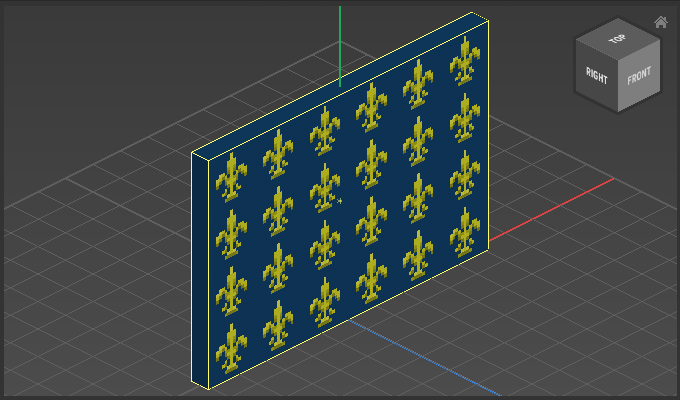
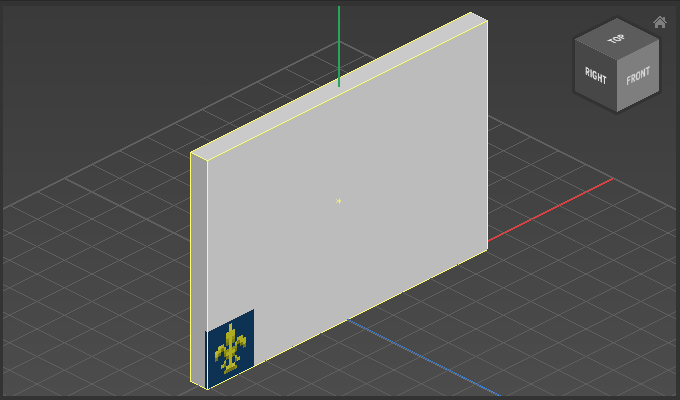
Repeat | Enable to repeats the image when the image is smaller than the available space. |
Pierce Object | Enabled to project the image through all voxels. |
Example
Used image:

Linear Projection with Repeat and Pierce Object disabled:
Linear Projection with Repeat and Pierce Object enabled: