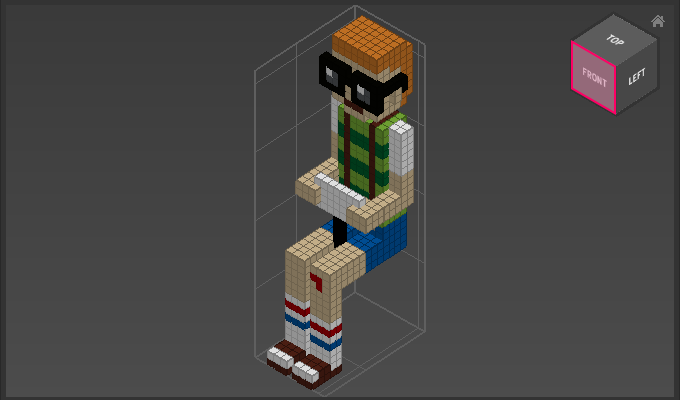
Appearance
Perpendicular View
Use Perpendicular View to move the camera to a 90°, orthographic view of the top, bottom or side of the model.
How to Use Perpendicular View
Either
- Choose a side from
Camera > Perpendicular View
or
- Click on the corresponding side of the Cam Cube
or
- Choose
Camera > Perpendicular View > Nearestto use the facing side, as indicated by the Cam Cube
Examples
Camera > Perpendicular View > Front:
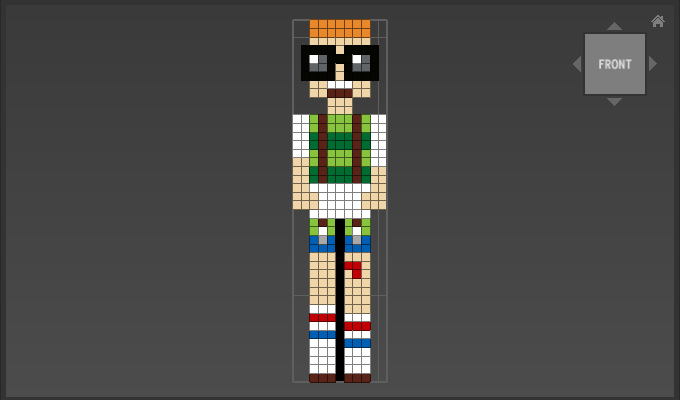
In the following case Camera > Perpendicular View > Nearest will also move the view to the front: