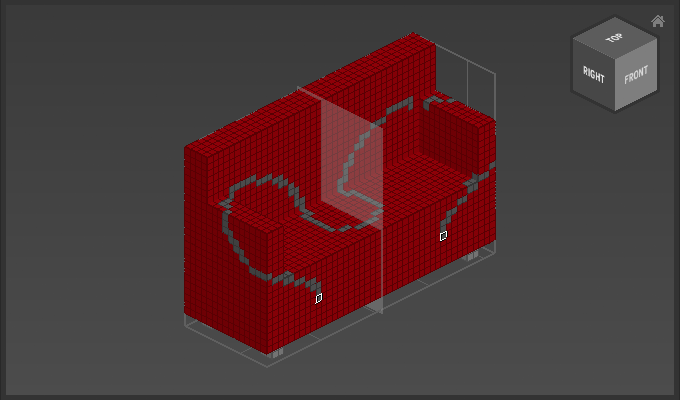
Appearance
Tool Options
The tool options can be found at the bottom of the toolbar.
Overview
| Option | Icon | Description |
|---|---|---|
| Mask Mode |  | Enable to lock selected voxels, so they are not modified by any draw action. |
| Trace Stroke |  | Enable to fill in the complete path drawn freehand. |
| Tool Mirroring |  | Enable to duplicate any tool action across the selected axis. |
Examples
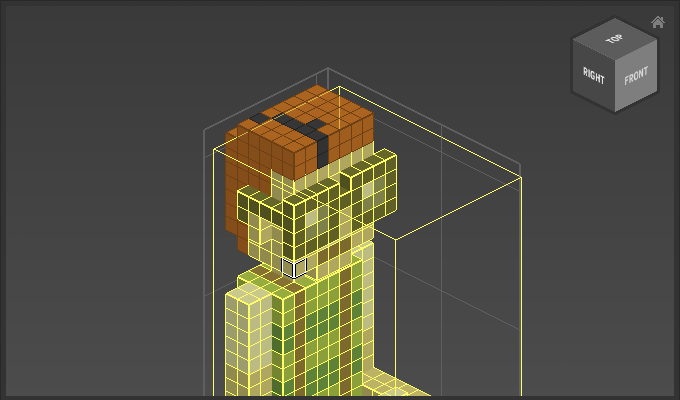
Mask mode enabled, only unselected voxels are colored gray by a pencil stroke:
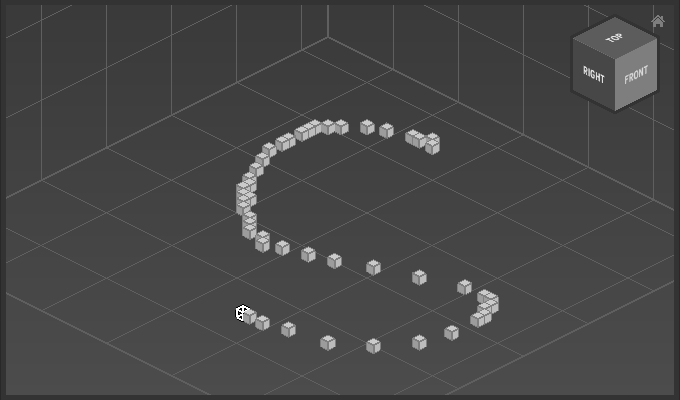
Trace Stroke diabled:
Trace Stroke enabled:
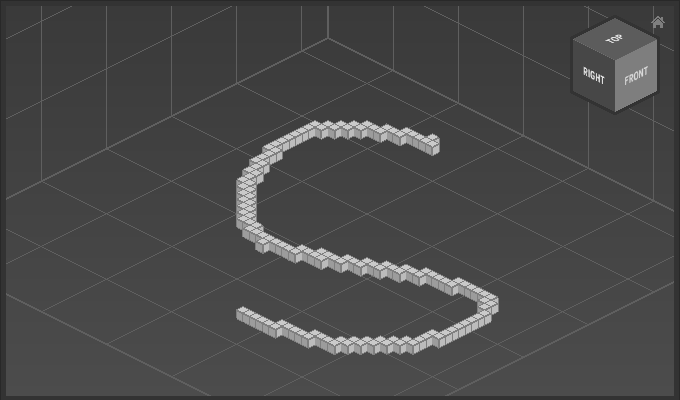
Tool mirroring of a pencil stroke across the X-axis: