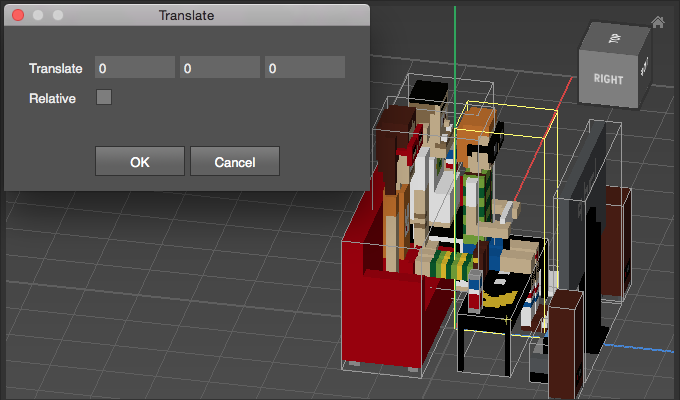
Appearance
Translate
Use Translate to move a selection.
How to Translate
- Select voxels or objects
- Choose
Transform > Translate - Adjust Options
Options
| Option | Description |
|---|---|
| Translate | Sets the amount the selection should be moved per axis. |
| Relative | Enable to move the selection relative to its current position. Otherwise move the selection to the given world position. |
Examples
Relative translate:
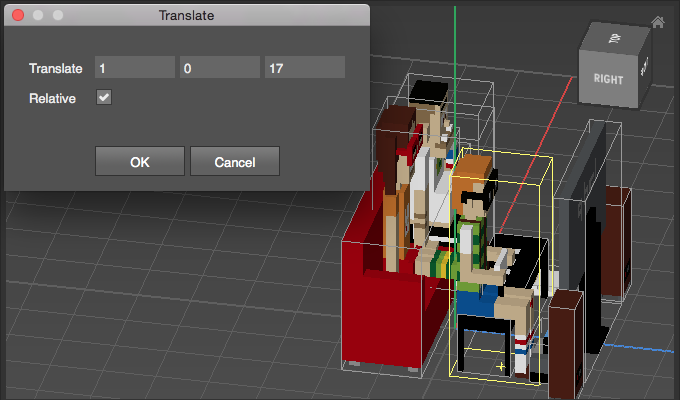
Aboslute translate, the object is moved to the world origin 0:0:0