Appearance
Slice Mode
Use the Slice Mode to work on a 2D slice of a Voxel Matrix.
How to use the Slice Mode
First you need to open the Matrix Editor. Then to toggle Slice Mode either
- Click the
2Dbutton on the toolbar
or
- Press
[Space]
If you hover your mouse over a voxel while pressing [Space] you will automatically jump to the voxel's slice.
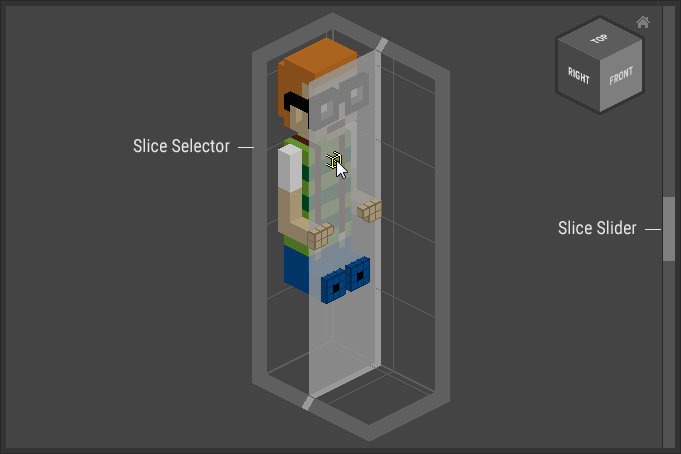
To change the slice either use the Slice Slider or the Slice Selector.
The active slice number is shown in the toolbar: